
The Twin Sets feature in AquaTwin Scenario Manager allows you to link scenarios together so that updates in one scenario automatically apply to all linked scenarios. This means if you change an asset in one scenario, it updates in all connected scenarios, saving you from making the same update multiple times. However, not all assets need to be in a Twin Set; those that aren't linked will only update in their specific scenario.
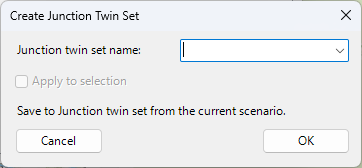
Create a Twin Set for the highlighted Asset. Twin Sets can also be created for an ArcGIS selection.
Clone (copy) a Twin Set.
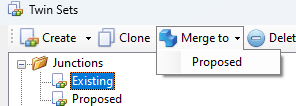
Merge a Twin Set to another Twin Set.
Delete a Twin Set.
Open the Twin Attribute table for the highlighted Twin Set.