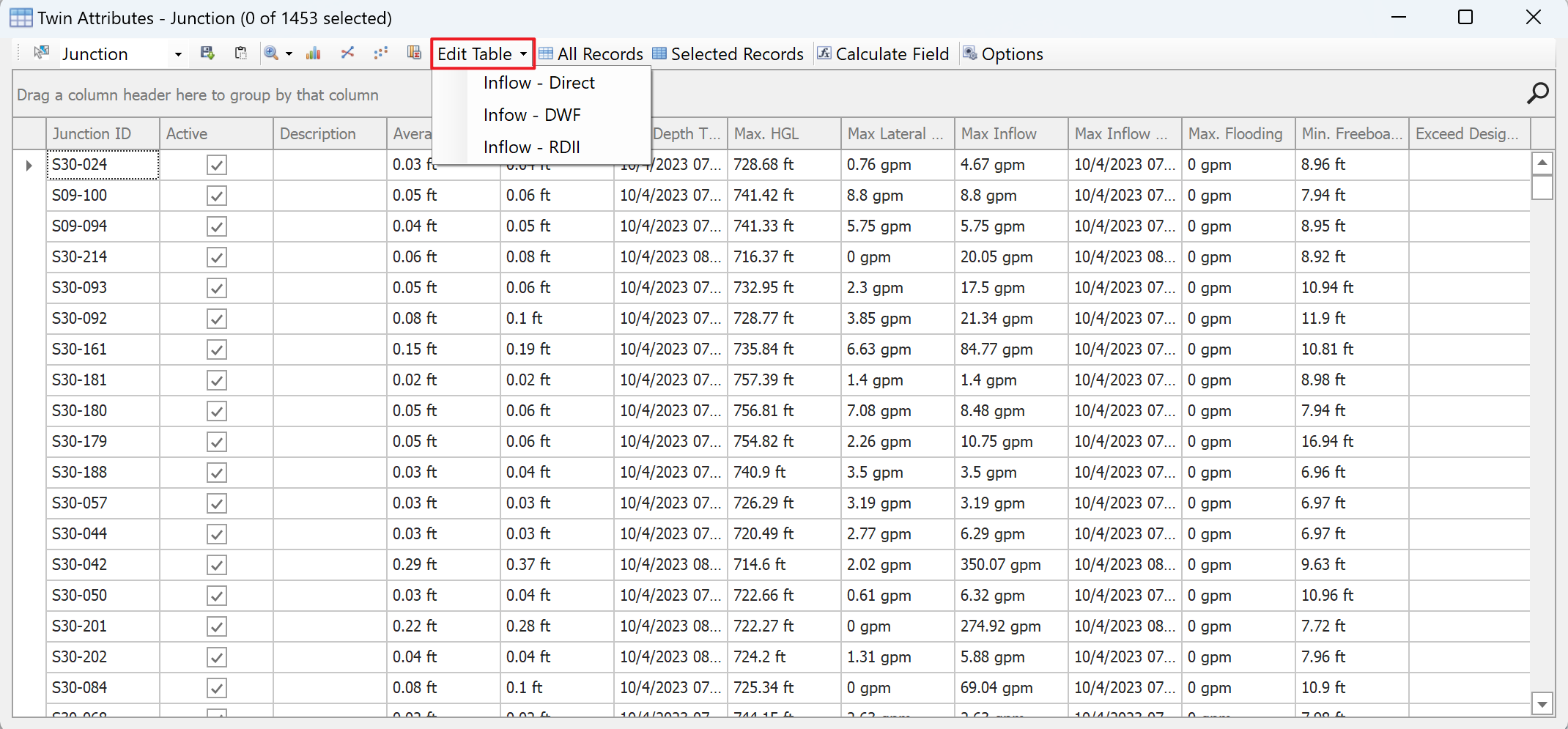
Inflows in all or a selection set of junction in the network can be assigned through the inflow tables. These inflow tables can be accessed through the Junction Twin Attribute Table > Edit Table dropdown menu.
Clicking on any of the table option (i.e. Inflow - Direct, Inflow - DWF, Inflow - RDII) open a new table containing the inflows of all the junctions (or the junctions that are currently selected in the map). These tables are pastable. As a result, the user can add the number of rows required and paste the inflow data from a spread sheet. Moreover, multiple rows of inflows for the same asset is allowed, which will be aggregated and added to that junction node. The AquaTwin Sewer convention for the Direct and Dry Weather inflows is,
Inflow = Baseline Value x Baseline Pattern + Time Series Value x Scale Factor
Inflow = Average Value x Pattern 1 x Pattern 2 x Pattern 3 x Pattern 4
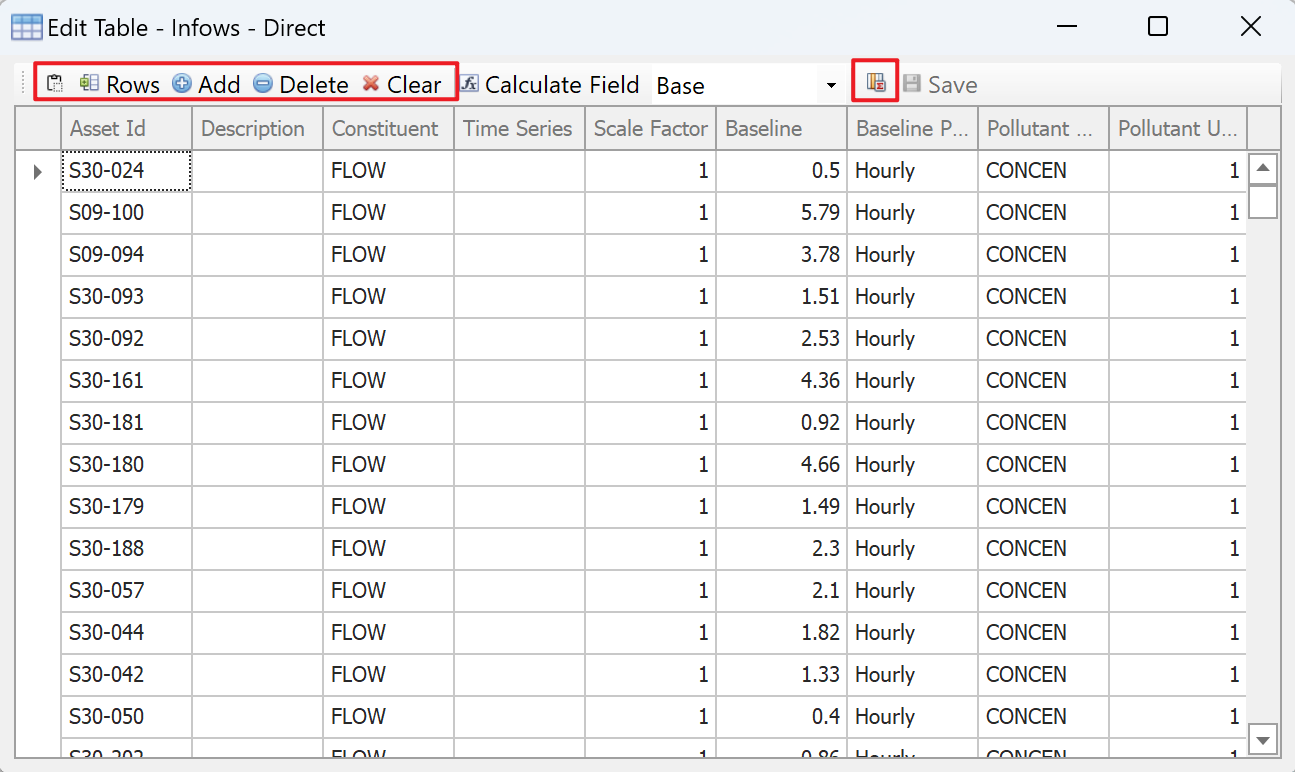
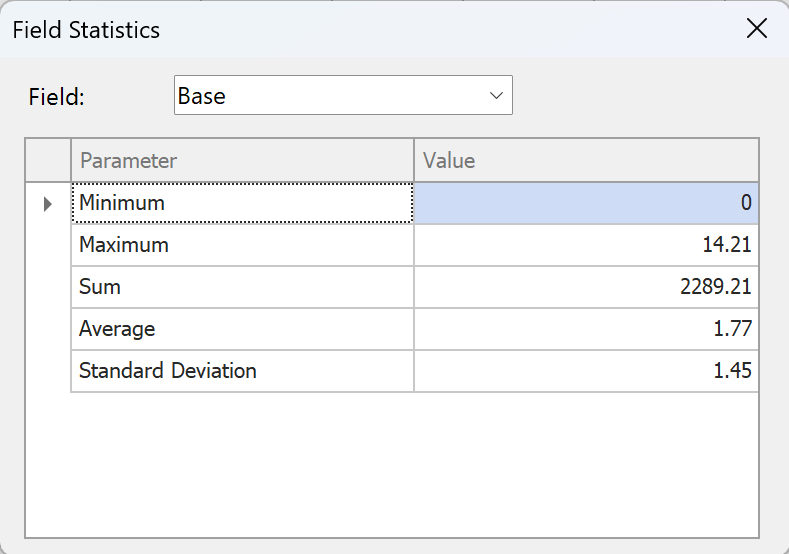
Finally, the Field Statistics button will summarize the inflows that are added and can be a used to validate the total inflow coming into the system.